Lumi at Scaler
An AI assistant that adapts to your role and your data.
- Problem
- The first version of Lumi gave every user the same eleven suggestions, and most people tried it once.
- What I did
- This was self-initiated. I designed and prototyped versions that adapt to the person's role and the state of their data, built on Scaler's own screens.
- Result
- It stayed a concept, but the variants fed into the Lumi redesign, which was in design when I left.
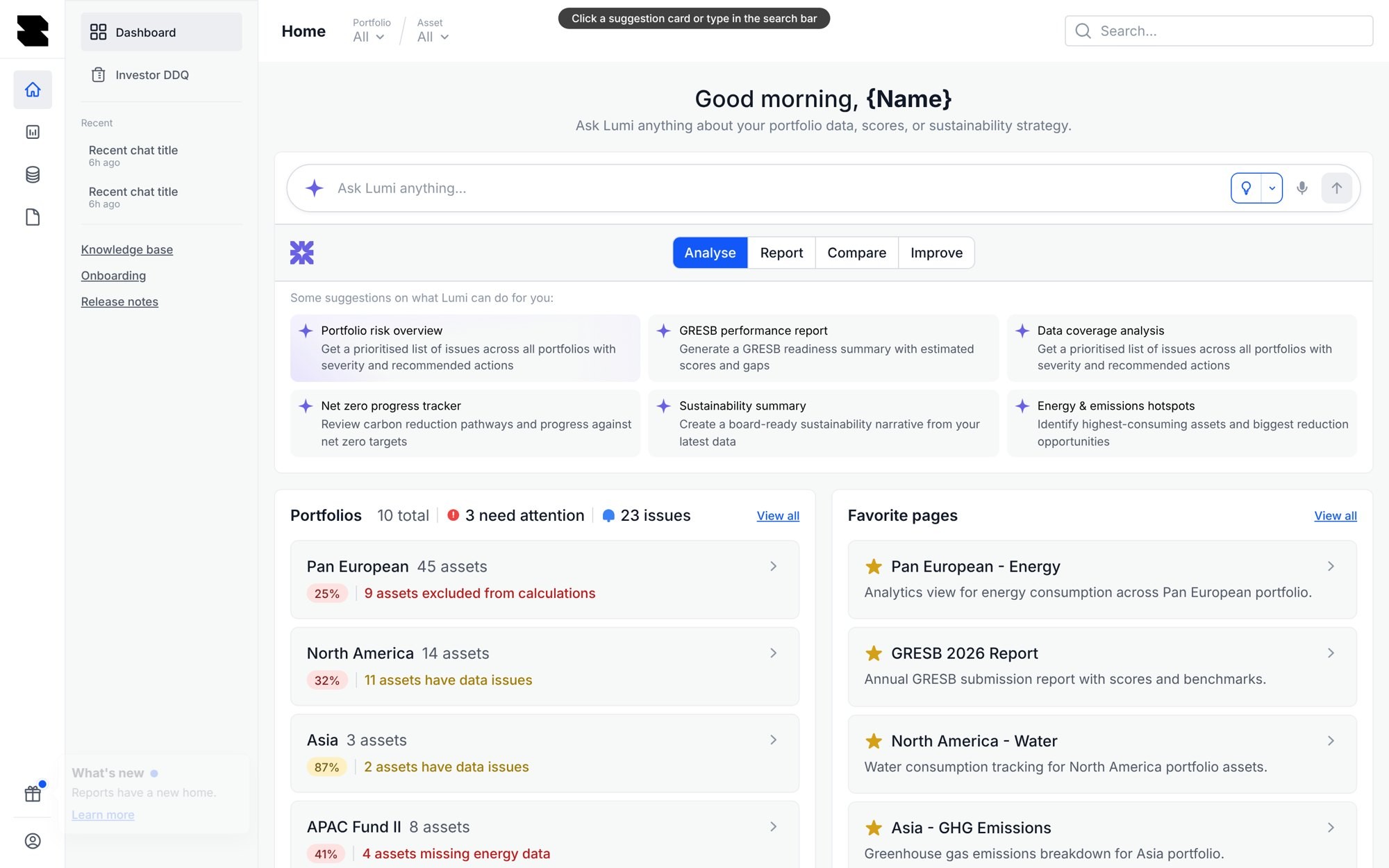
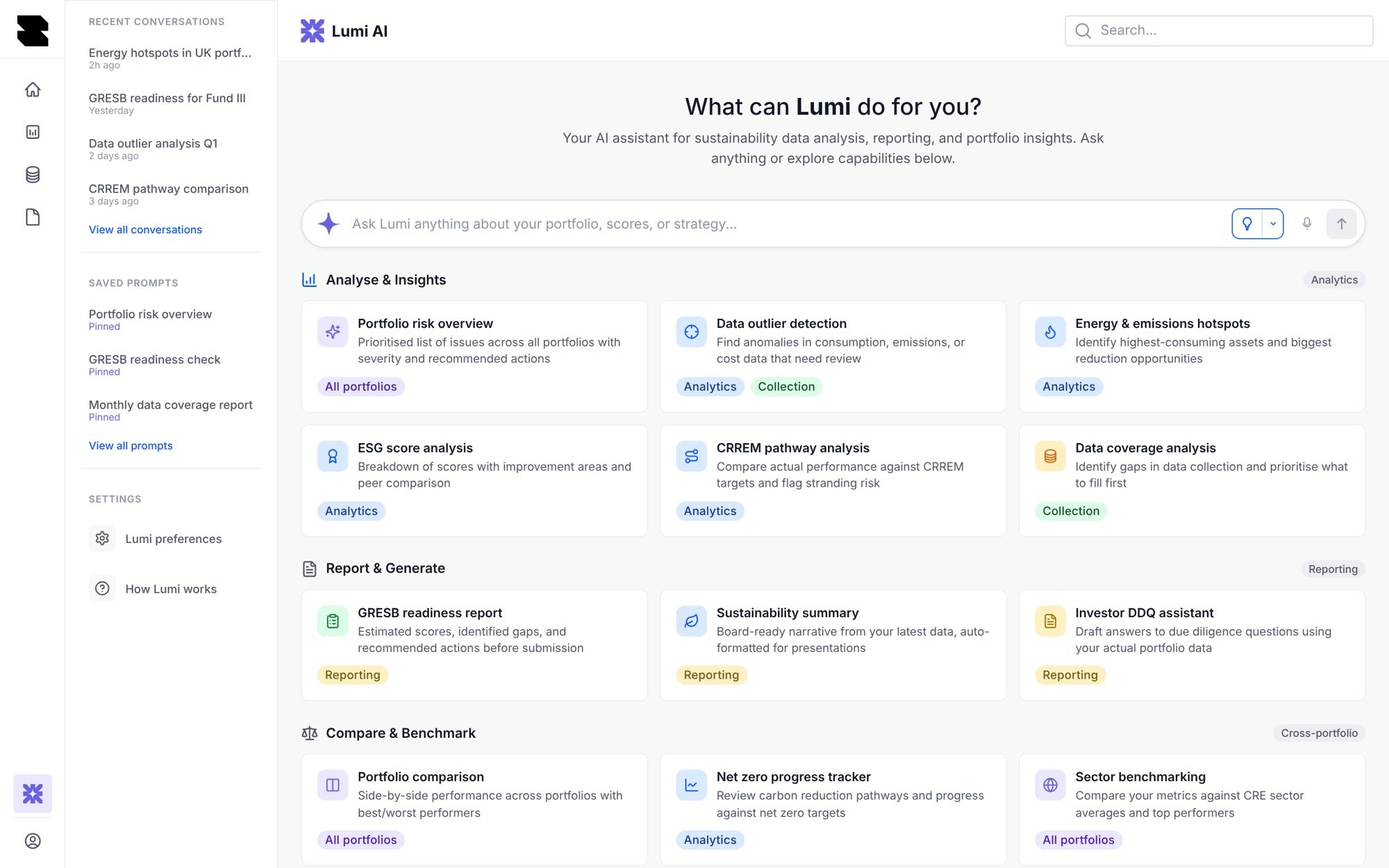
Everyone saw the same eleven prompts.
The first version of Lumi showed the same list to everyone, whatever their role and whatever state their data was in. A property manager and a fund executive got the same eleven suggestions, and most people tried it once and went back to doing things by hand.
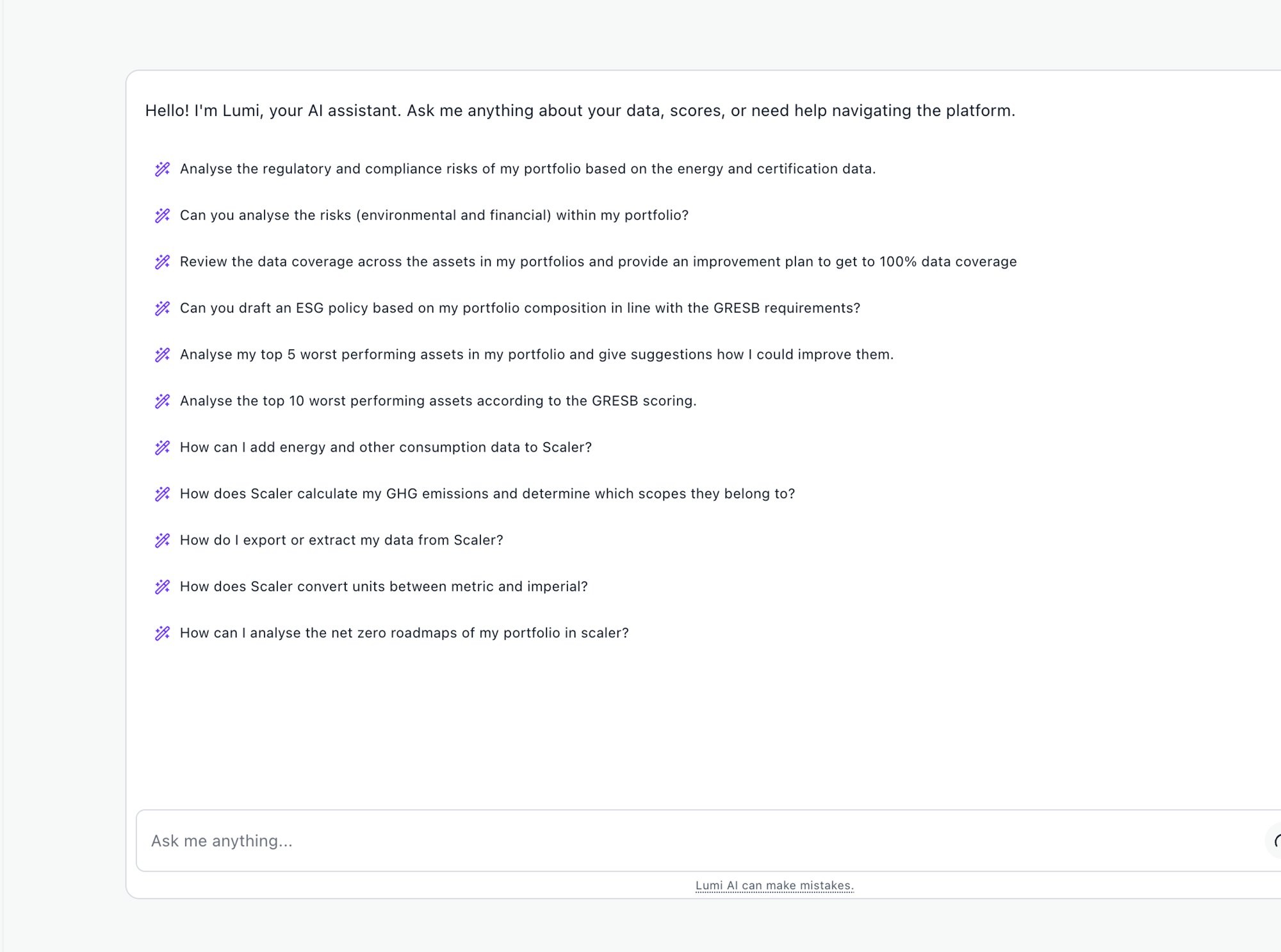
What the first version lacked
Role
Lumi didn’t know who was asking.
State
Suggestions ignored the data, so a portfolio days from a deadline got the same prompts as a complete one.
Focus
People had to read through eleven options before doing anything.
In compliance reporting, trust matters more than usual.
A suggestion that has nothing to do with your job tells you the tool doesn’t know you. In regulated reporting, a wrong suggestion can also end up in a submission, so the bar for trust is higher.
Form a hypothesis.
If Lumi’s first suggestions match the person’s role and the current state of their portfolio, and there are only a few of them, people will act on them and come back.
Align on the questions that drive us.
- A property manager opens Lumi and the first suggestion is about their buildings?
- An ESG lead close to a deadline sees what is blocking it before anything else?
- Nobody has to read more than five suggestions to find a starting point?
- Everything else Lumi can do is still easy to find for people who go looking?
Three decisions shaped the design.
Lumi checks the person’s role before it suggests anything. A property manager sees “Which buildings still owe me data?”, an ESG lead sees “Am I on track for Friday’s deadline?” and an executive sees “Is this quarter’s number final yet?”
One list for everyone, like the first version.
Lumi’s suggestions change with the state of the data. Twelve assets missing data three days before a deadline get a very different first suggestion from a portfolio that is already complete.
A fixed menu that ignored the state of the portfolio.
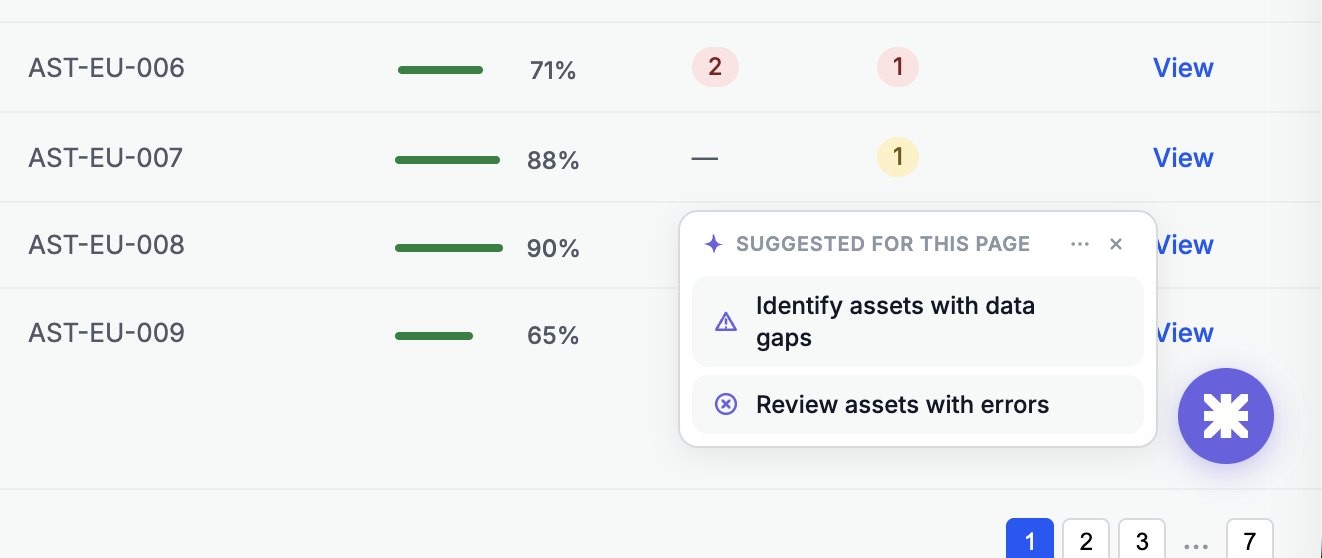
A short list is quicker to scan, and fewer suggestions means fewer chances to send someone the wrong way. Everything else Lumi can do lives in a Lumi hub for people who go looking.
Showing everything Lumi can do up front.
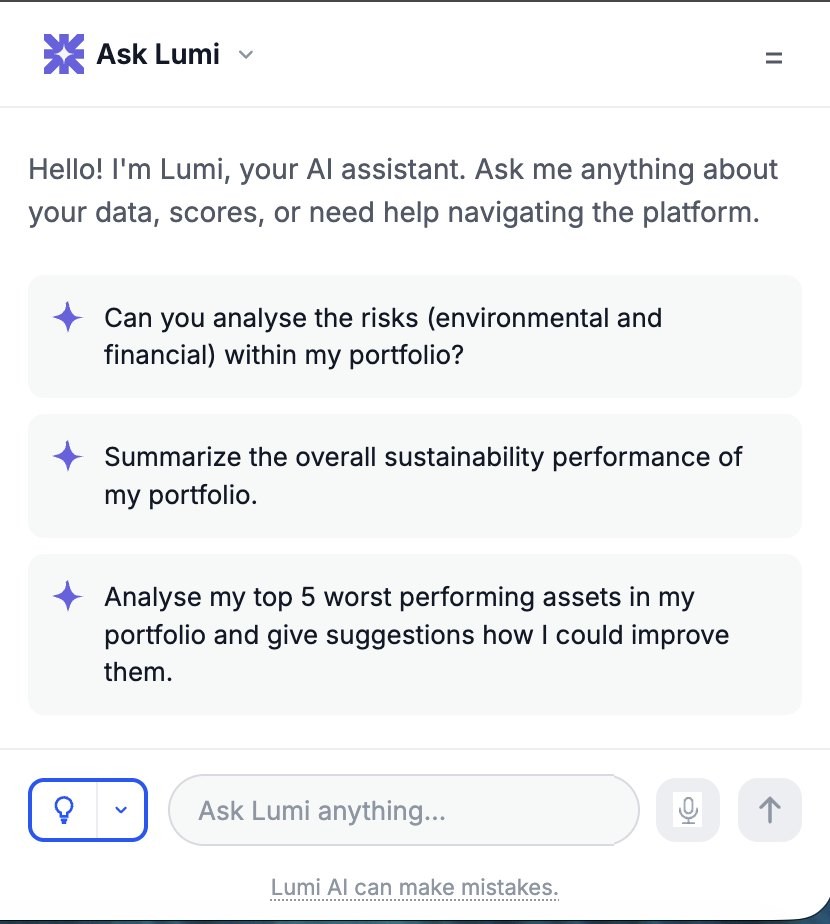
Lumi leads on the home page and sits at the side elsewhere.
On the home page, suggestions are grouped by what people usually do next.
Nine coded prototypes on real screens.
I built each variant as a working prototype on Scaler’s own screens, so the team could click through it instead of reading a spec. There were nine in the end, from the home page and search to a panel on the meters page.
How I'd know it was working.
I’d track whether people come back to Lumi after their first session and act on a suggestion. I’d also compare tasks started from a suggestion with the same tasks done by hand, and keep an eye on the dismiss rate per role to catch suggestions that keep missing. In interviews, I’d ask whether Lumi feels like it knows their work.